01Four customer messages worth automating
Your customers already live on WhatsApp. Meeting them there turns routine billing into a repeat-business channel.
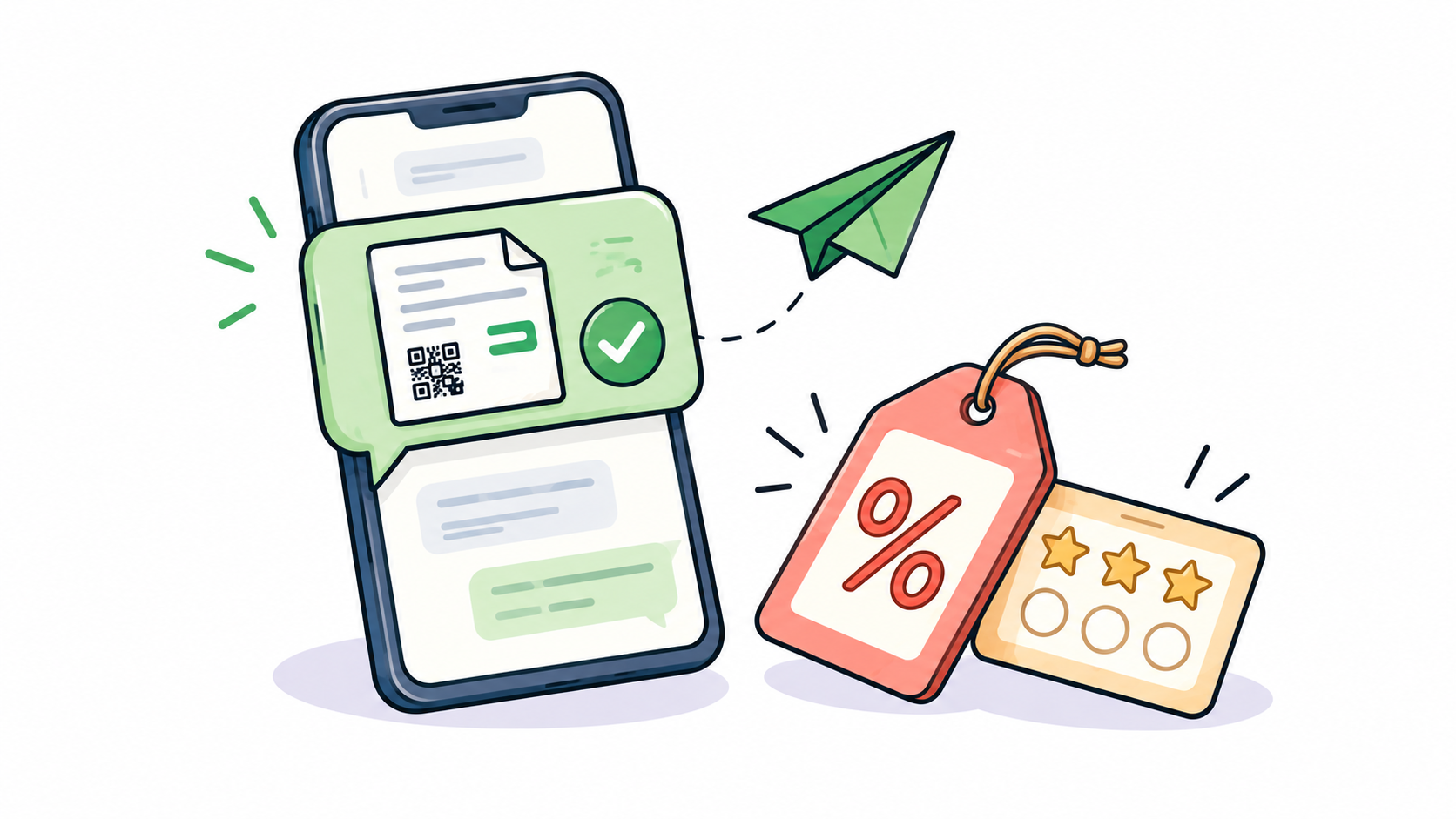
1) Invoice receipt: Sent instantly after billing to replace paper slips. 2) Payment reminder: Sent before and after the due date with a payment link. 3) Offer or festival message: Sent to customers who bought recently, not spammed to everyone. 4) Loyalty update: 'You earned 50 points. 150 more for your next reward.'
02Use the official Meta Cloud API route
Sending through the official WhatsApp Business (Meta Cloud) API keeps your showroom phone number safe. Bulk messaging from a regular personal number or unofficial third-party tools can get your account permanently blocked.
Business-initiated messages use pre-approved templates, and customers should have explicitly agreed to receive transactional and marketing notifications.
03Make showroom messages worth opening
Keep them short and use the customer's name. Send offers rarely so they feel genuine, exclusive, and valuable.
Always provide a straightforward and respectful opt-out option so customers stay in full control.
04Connect messaging to your shop data
The real value comes when messaging is linked to your core data: invoices come from billing, reminders from the ledger, and offers from purchase history. Add a shareable digital catalogue link so customers can browse and reorder in the same chat.
Don't treat WhatsApp as a broadcast tool. Treat it as the conversation after the sale: a receipt, a gentle nudge, and an occasional reason to come back.